Using LLMs for NPC Dialogue in Unity
Written on October 14th, 2025 by Gerard Kirwin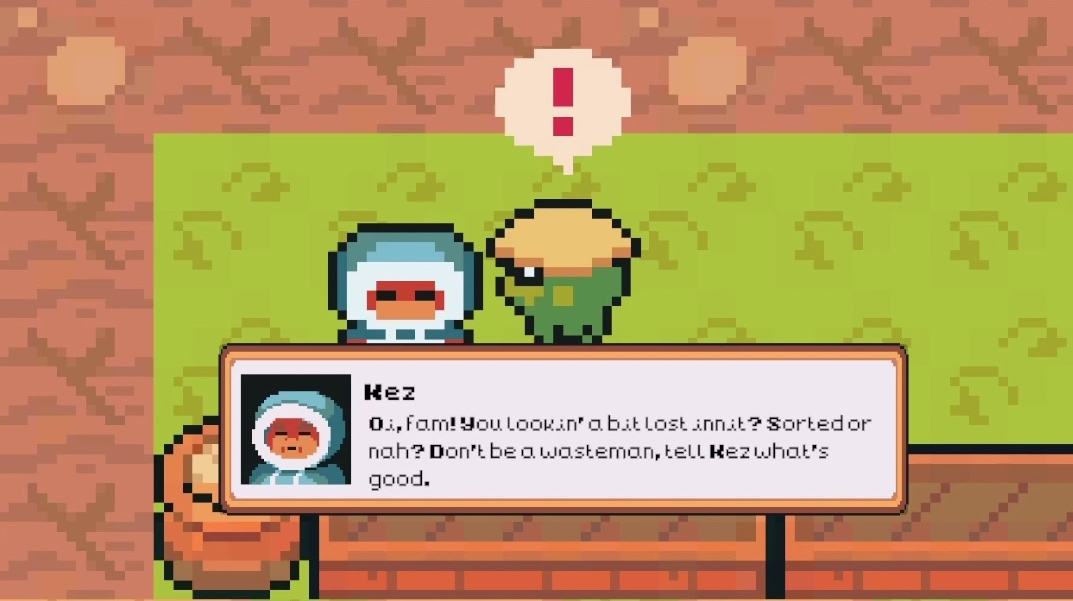
In the last year, I have been working on a Master’s degree in Human Centred AI for Games Development at Bournemouth University. I decided to make this change because I wanted to pursue a career in video games, wanted to enhance my skills in the burgeoning AI field and I also wanted an opportunity to return to the UK where I spent part of my childhood.
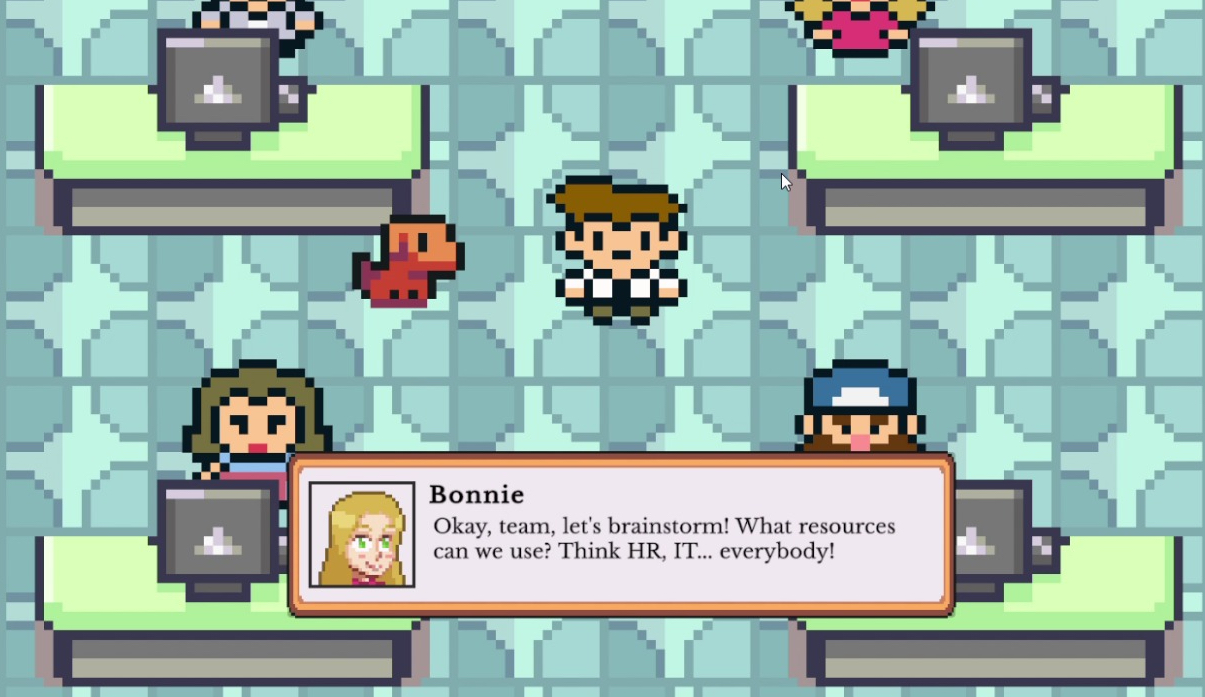
For my Ludonarrative Design coursework, I built a game in Unity called Brollyland. Brollyland is about an alien called Slorp as he tries to adjust to life in a thinly veiled satire of modern Britain. Along the way, I decided to play around with the idea of having one character have AI-driven dialogue because I wanted a character without static dialogue and see how well the AI handled it.
Kez, as written in the NPC dialogue object, “talks like a London roadman, uses slang and keeps it casual but funny” is our AI NPC. I picked a roadman for our AI NPC as it’s a stereotypical character so it provides less room for ambiguity than inserting basic character traits. It also is a quintessential part of modern British life, it felt essential to include.
Running Gemini
Google’s Gemini model is the power behind Kez’s words. Based on a tip from a classmate, I found that it was a reliable model that I could use without paying for credits and running up big usage bills. I was able to sign up using my existing Google account and get an API within minutes.
Gemini was connected through a local FastAPI proxy server. The local proxy runs from a small python script, called app.py. This script creates a lightweight local server that acts as a bridge between Unity and Google’s API.
from fastapi import FastAPI
from pydantic import BaseModel
from fastapi.middleware.cors import CORSMiddleware
from google import generativeai as genai

genai.configure(api_key="YOUR_GEMINI_KEY")
model = genai.GenerativeModel("gemini-2.0-flash")

app = FastAPI()
app.add_middleware(CORSMiddleware, allow_origins=["*"], allow_methods=["*"], allow_headers=["*"])

class Prompt(BaseModel):
    message: str

@app.post("/generate")
async def generate(prompt: Prompt):
    response = model.generate_content(prompt.message)
    return {"response": response.text}
Auto-Launching the Server From Unity
In early versions of the game, I had to set up the server manually by running lines in the console. I found this tedious and worked to find a way to eliminate the need for players to tinker with the console.
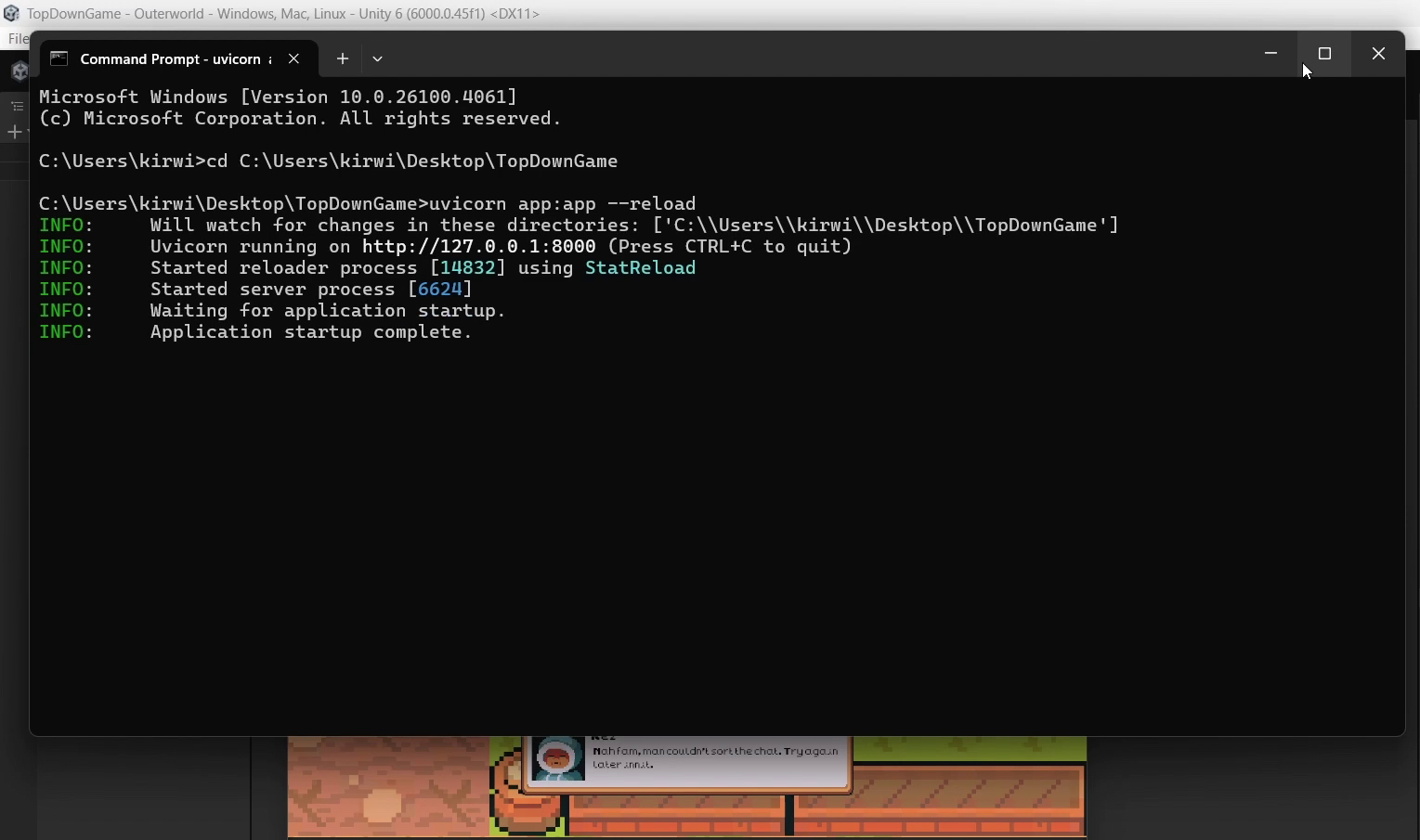
A C# script in the game, GeminiServerLauncher, runs when the game starts. It starts the server by triggering the python script from its location. For the purpose of well-structured file organization, I tend to keep it in the same folder as the game itself.
using System.Diagnostics;
using UnityEngine;
using System.IO;

public class GeminiServerLauncher : MonoBehaviour
{
    public string pythonScriptPath = @"[path/to/your/app.py]";
    public string pythonExecutable = "python"; // or "python3"

    void Start()
    {
        StartGeminiServer();
    }

    void StartGeminiServer()
    {
        string workingDir = Path.GetDirectoryName(pythonScriptPath);

        ProcessStartInfo startInfo = new ProcessStartInfo
        {
            FileName = pythonExecutable,
            Arguments = $"\"{pythonScriptPath}\"",
            UseShellExecute = false,
            RedirectStandardOutput = true,
            RedirectStandardError = true,
            CreateNoWindow = true,
            WorkingDirectory = workingDir
        };

        var process = new Process { StartInfo = startInfo };
        process.OutputDataReceived += (_, e) => { if (!string.IsNullOrEmpty(e.Data)) Debug.Log("[Gemini] " + e.Data); };
        process.ErrorDataReceived += (_, e) => { if (!string.IsNullOrEmpty(e.Data)) Debug.LogError("[Gemini ERROR] " + e.Data); };

        process.Start();
        process.BeginOutputReadLine();
        process.BeginErrorReadLine();
    }
}
Prompt Flow
The dialogue in the game is set up in a script which includes the mechanisms for the NPCs to deliver dialogue through a UI dialogue box. Each of the NPCs have a game object that includes their portrait, for the dialogue box, their lines (for hard written NPC lines) and a space for their personality which we can use for the AI call.
The code below is included in the NPC script, including the prompt to Gemini. The method of calling Gemini’s API through the proxy server requires the prompt and response to be JSON and translated in the game.
IEnumerator FetchAIDialogue()
{
    string characterName = dialogueData.npcName;
    string personalityStyle = dialogueData.personalityStyle;

    string prompt = $"You are a character named {characterName} who {personalityStyle}. Say something in character to the player. Keep it short (1-2 sentences).";

    string jsonData = JsonUtility.ToJson(new GeminiPrompt() { message = prompt });

    using (UnityWebRequest request = new UnityWebRequest("http://localhost:8000/generate", "POST"))
    {
        byte[] bodyRaw = System.Text.Encoding.UTF8.GetBytes(jsonData);
        request.uploadHandler = new UploadHandlerRaw(bodyRaw);
        request.downloadHandler = new DownloadHandlerBuffer();
        request.SetRequestHeader("Content-Type", "application/json");

        yield return request.SendWebRequest();

        try
        {
            if (request.result == UnityWebRequest.Result.Success)
            {
                GeminiResponse geminiResponse = JsonUtility.FromJson<GeminiResponse>(request.downloadHandler.text);
                aiGeneratedLine = geminiResponse.response;
            }
            else
            {
                Debug.LogError("Gemini Request Failed: " + request.error);
                Debug.LogError("Response Text: " + request.downloadHandler.text);
                aiGeneratedLine = "Nah fam, man couldn't sort the chat. Try again later innit.";
            }
        }
        catch (System.Exception ex)
        {
            Debug.LogError("Exception during Gemini parsing: " + ex.Message);
            aiGeneratedLine = "Bruv the whole system’s moving mad. Try again later.";
        }

        isAIResponseReady = true;
        Debug.Log("AI Line to Display: " + aiGeneratedLine);
        StartCoroutine(TypeDialogue());
    }
}
The code allows for the LLM integration dialogue to appear the same as the hardcoded dialogue by using the same TypeDialogue script. Any text displaying script would work here as the JSON response has been converted.
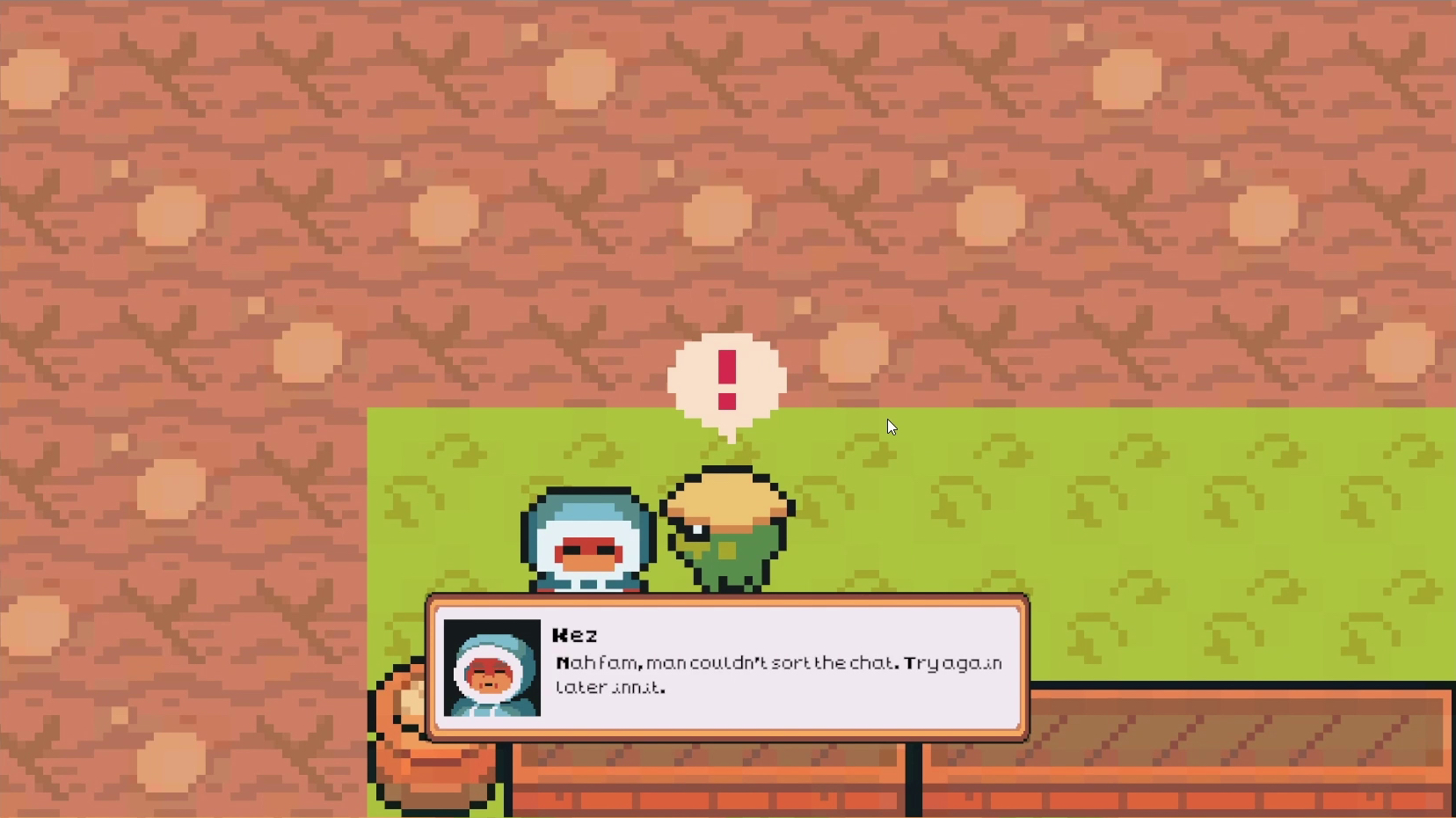
This set up has proven to be quite reliable but in the chance that the connection is lost, or the player is not connected to the internet, Kez has been programmed to deliver a line. It helps to not see the default “Dialogue Text” that appeared in earlier builds as well as building upon the roadman character.
Conclusions and Next Steps
This set up allowed for Kez to deliver a new line each time. He stayed in character, definitely sounding like a stereotypical roadman…innit. For this project, the purpose was to experiment with what AI could do and how it could help enhance my gameplay experience. There wasn’t an emphasis on the consistency and uniqueness of the dialogue.
As shown in the code above, the prompt was very simple. If we wanted Kez to, for example, do a specific task such as complain about the weather, we would need more sophisticated prompting. This version of the code does not include pre-loading AI generated lines so there is a slight delay each time Kez speaks.
I feel like this script should work relatively well within your text-based dialogue in Unity. With slight modifications, it could work well with other LLM models as well. With more work, you could even run this on your locally run LLM.